重启!
重启mysql 和 php
service mysqld restart
service php-fpm restart
或
systemctl restart mysqld
systemctl restart php-fpm
重启linux
reboot
文件属性:
ls -l nginx.conf # 查看权限
chmod 444 nginx.conf # 修改权限为 444 只读
ls -l nginx.conf # 再次查看权限
chattr +i nginx.conf # 将文件设置为不可变 (设置文件属性)
lsattr nginx.conf # 查看文件属性
chattr -i nginx.conf # 移除不可变属性 (就可以修改了)
php 禁用函数
| touch | |
| chmod | |
| copy |
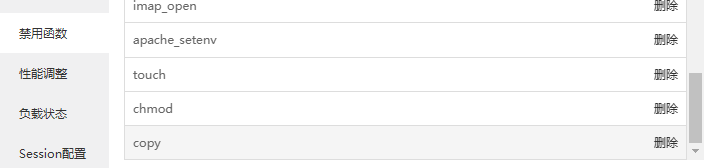
php禁用压缩 禁用类
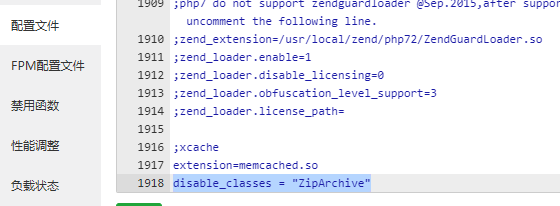
配置文件
disable_classes = "ZipArchive"
mysql恢复数据
/www/server/mysql/bin/mysqlbinlog /www/server/data/mysql-bin.000110 > /www/bug_fix/output0001.sql
(MySQL read_log_event(): 'Found invalid event in binary log' 错误参考https://blog.csdn.net/leshami/article/details/41962073)
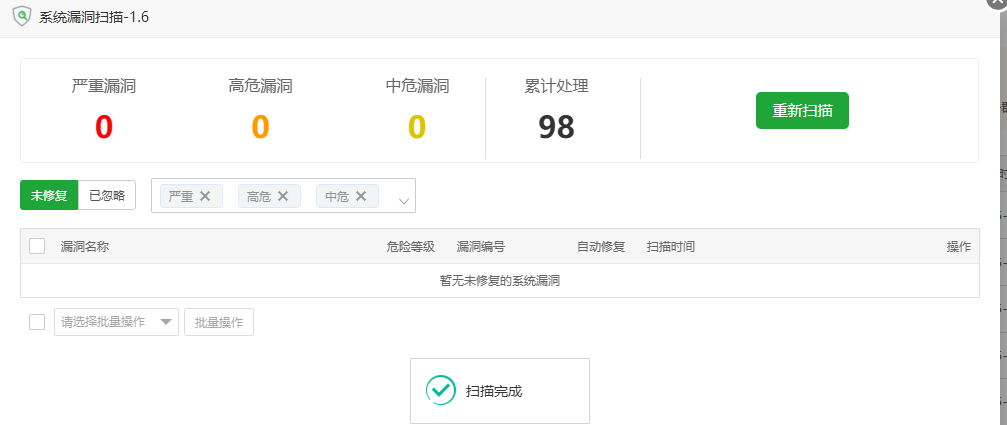
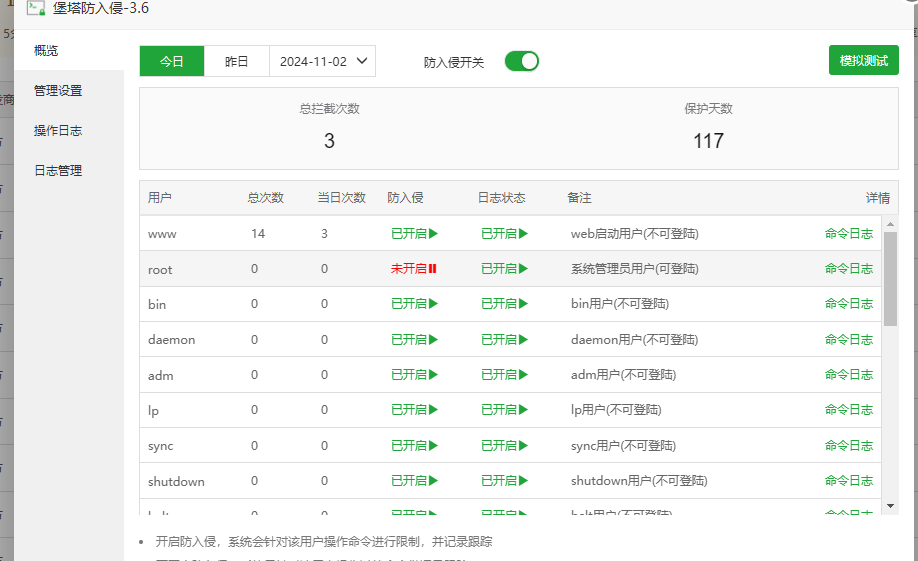
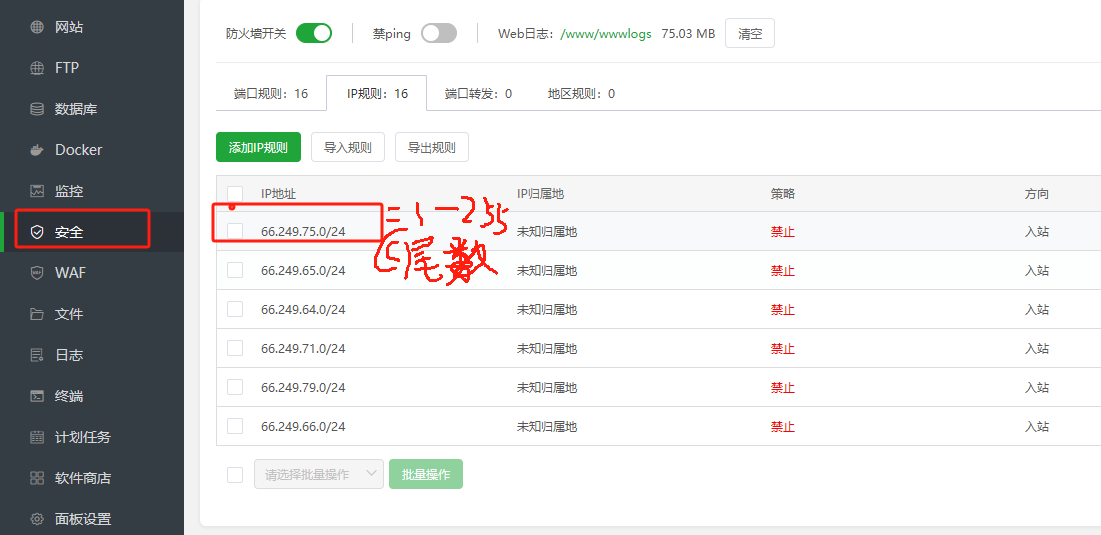
# 将文件夹 和下面的php 设置为不可变 (设置文件属性)
chattr +i /www/wwwroot/www.gongshi5.com/data/admin
find "/www/wwwroot/www.gongshi5.com/data/admin" -type f -name "*.php" -exec chattr +i {} \;